
Building Python apps with Streamlit
a quick guide

Problem?
It is a shame to build a python project and not able to demonstrate what it does without facing a few hiccups and endless hours of building frontend. Even if you build the frontend and manage to connect your python app with it, hosting the app and managing deployment is again a headache.
What the heck is Streamlit?
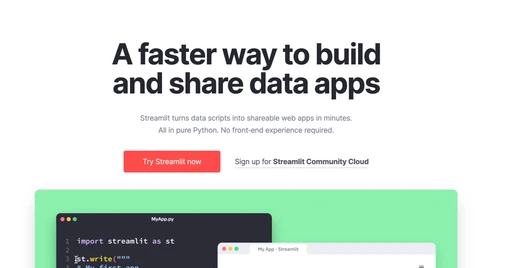
Before we get into it, Stream-lit, the name sounds pretty dope, innit? Anyway, Streamlit is an open-source Python library that allows you to create web applications with simple Python scripts. It is designed to streamline the development process and eliminate the need for complex web frameworks and front-end libraries. With Streamlit, you can build interactive web apps that can be easily shared with others.
Why Streamlit?
My first answer would be infact a question, why not Streamlit haha but yeah there are other options so it’s vital we consider the pros and cons
Streamlit offers a number of benefits for developers looking to build web apps with Python. Here are a few key reasons why you might choose Streamlit:
- Simple and intuitive: Streamlit’s simple syntax allows you to focus on the logic of your application, rather than the complexities of web development.
- Fast prototyping: With Streamlit, you can quickly build and iterate on your web app, without the need for extensive front-end development.
- Interactive: Streamlit has inbuilt functions to add interactive elements like sliders, dropdowns, and buttons to your web app.
- Easy to share: Sharing streamlit apps is as easy as gettiing the app link and sharing it with others. No worries about hosting and deployment.
Getting Started with Streamlit
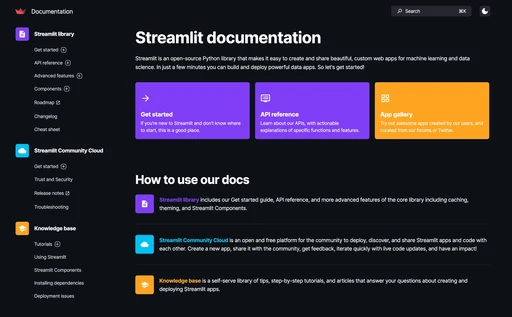
Ready to get started with Streamlit? Check out the official documentation for a detailed guide on how to install and use the library. The documentation includes a number of examples and tutorials to help you get up and running quickly.